Turn School Family Events Into Ongoing Social Media Conversations
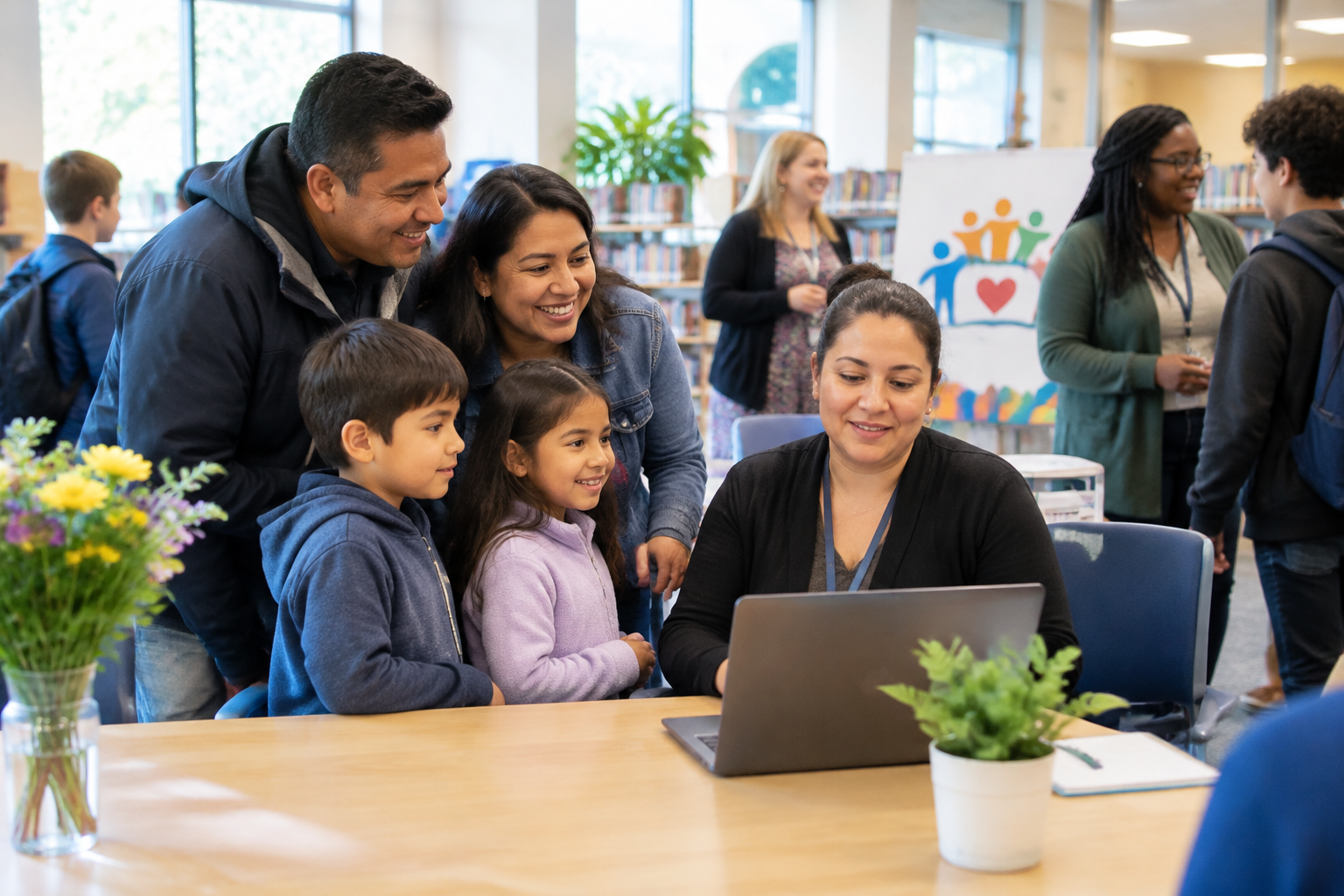
A practical before-during-after plan for promoting school family events, making it easier to participate and ask questions, and sharing clear follow-up afterward.
A school family event can be valuable in the room—or on the livestream—and still leave families unsure what to do next. The event invitation may reach some households but not others. A parent might have a question they do not feel comfortable asking aloud. Someone who could not attend may need the key information afterward.
Social media can help connect those moments. Rather than treating an event as a single announcement, schools can plan a short sequence of posts before, during, and after it. The goal is not to promise higher engagement. It is to make information easier to find, participation more accessible, and follow-up more useful.
This guide offers practical parent engagement ideas on school social media for family nights, open houses, curriculum presentations, enrollment events, community meetings, and livestreamed sessions.
Start with the conversation families need
Before choosing platforms or designing graphics, clarify what families should know or be able to do. Is the event meant to explain a new school process? Invite families to meet staff? Collect questions about a program? Share resources for supporting students at home?
Write down three things:
- **The main purpose:** What is the event about, in plain language?
- **The participation options:** Can families attend in person, watch a stream, submit a question, or review a recap later?
- **The next step:** What should someone do after attending—or if they cannot attend?
This helps prevent a common communications problem: several posts that repeat the date without answering the questions a family needs answered. A strong event sequence offers useful information at each stage, while keeping the core details consistent.
Before the event: Make it easy to understand and join
Publish a clear, accessible invitation
Start with a post that covers the essentials: event name, date, start and end time, location or viewing instructions, intended audience, and a contact or question option. If registration is required, explain how to register and whether there is a deadline. Avoid making families hunt through several posts to assemble the details.
Use direct wording. “Join us to learn about next year’s course options” is generally clearer than an internal event label that families may not recognize. If the event includes a livestream, say where the link will appear and whether viewers can participate remotely.
Accessibility is part of the invitation, not an optional finishing touch. Consider these practices:
- Use readable text size and strong contrast in graphics.
- Put essential information in the post caption, not only in an image.
- Add alternative text to meaningful images where the platform supports it.
- Caption video and check that captions are accurate enough to follow.
- Use descriptive link text and provide a plain-text URL when that helps families access information.
- Avoid relying on color alone to communicate a distinction.
- Share interpretation, accessibility, or accommodation information when available, with a clear way to ask about additional needs.
Schools should follow their own accessibility, translation, and communications policies. If details are not yet confirmed, say how families can request help rather than implying that a service is available when it is not.
Repeat key details in a planned way
A useful sequence might include an initial invitation, a reminder closer to the date, and a day-of note with arrival or viewing instructions. Each post should have a reason to exist. The reminder can answer a question that often comes up; the day-of post can point to the entrance, parking information, or livestream page.
Keep the information aligned across channels. If the time or location changes, update the event page and relevant posts, and clearly communicate the correction. Consider which channels families already use, and use school-approved methods to reach households that may not follow the school’s social account. Social media should complement—not replace—other required school communications.
Invite questions before the event
Not every family will want to ask a question publicly. Offer an appropriate route for questions, such as a school email address, a moderated form, or a direct message channel monitored by staff. Explain what kinds of questions belong there and when families can expect a response. Do not invite personal student information in public comments.
You can also prompt questions without putting families on the spot. For example: “What would help you feel prepared for the transition to middle school?” or “What would you like us to explain about the new family portal?” Share only prompts that staff can respond to, and tell families whether responses may be discussed during the event.
During the event: Keep participation visible and manageable
Give families more than one way to take part
At an in-person event, social updates can point families to a schedule, resource table, or question area. For a livestream, a moderator can welcome viewers, repeat participation instructions, and flag unanswered questions for the host. If comments are being monitored, make that clear; if not, direct families to a channel that is.
A few simple choices can make participation more comfortable:
- Offer a question form for people who prefer not to speak live.
- Reserve time for questions rather than leaving them to the final minutes.
- Let attendees know whether questions can be asked anonymously, if that is genuinely supported.
- Provide a way to ask about a topic privately when it concerns an individual student or family.
- Repeat how to submit questions for people who join late.
These are practices, not guarantees that every family will participate. They help make the options easier to understand and reduce uncertainty about where a question belongs.
Assign a communications role
A busy host cannot reliably present, watch comments, troubleshoot a stream, and capture follow-up details all at once. When staffing allows, assign separate responsibilities: one person leads, one monitors questions and technical issues, and one records themes and next steps. Agree ahead of time on who can answer questions publicly and which questions should be handled privately.
For social posts during the event, prioritize information over a stream of activity. A short update might remind viewers where to submit questions or point to a resource being discussed. Photos and video should follow school policies for student privacy and media consent. Avoid posting identifiable student content unless the necessary permissions and safeguards are in place.
Make the livestream useful to people arriving late
If an event is streamed, post a brief viewing reminder with the correct link and participation instructions. When feasible, use captions and check audio and screen sharing before the session begins. A pinned comment or opening slide can explain how to ask a question and where to find materials.
Do not assume that a live stream is accessible to every family or that everyone can watch at the scheduled time. State whether a recording or written recap will be available only if the school plans to provide one. If there are limits—for example, a recording will not include audience questions—explain those limits clearly.
After the event: Turn discussion into useful follow-through
Publish a concise recap
A recap should do more than say “thank you for coming.” Summarize the main topics, answer common questions where appropriate, and list the next steps. Include dates, links, contact information, and the staff or office responsible for follow-up when those details are confirmed.
A practical recap structure is:
1. What we covered: A few plain-language points.
2. What families asked: Common themes, without identifying individuals.
3. What happens next: Actions, deadlines, and who will take them.
4. Where to get help: A relevant school contact or resource.
If a question needs research, do not guess in the recap. Say that the school is checking, identify the appropriate contact if possible, and share when or where an update will be posted. This helps distinguish confirmed information from an open item.
Close the loop on questions
Families who take time to ask a question should not have to wonder whether it was received. Acknowledge questions through the channel where they were submitted, subject to privacy and staffing practices. If an answer is specific to a student, move the conversation to an appropriate private channel. For public posts, answer general questions without revealing personal details.
It can be useful to keep a simple follow-up list: question or topic, responsible person, status, and where the answer will be shared. This is a communications workflow, not a public scorecard. It helps the team see which questions were resolved and which still need attention.
Keep the conversation going with a relevant next prompt
A follow-up post can invite families to use a resource, submit a remaining question, or share what information would be helpful next. Keep the prompt connected to the event rather than asking for comments simply to generate activity. For example, after a course-selection session, point families to the official course guide and explain where to direct individual advising questions.
If the school shares a recording, slides, or a written summary, make the materials easy to locate and check that they are appropriate to publish. Remove or protect personal information, review student media consent, and confirm that links work on mobile devices as well as computers.
A sample before-during-after posting plan
| Timing | Post purpose | Include |
|---|---|---|
| Two to three weeks before | Introduce the event | Purpose, audience, date, location, access or registration details |
| Several days before | Answer practical questions | Arrival or livestream instructions, accessibility contact, question options |
| Event day | Help families participate | Correct link or entrance, start time, how to submit questions |
| During the event | Support the session | Resource links or a reminder about the question channel, if monitored |
| Within a few school days | Close the loop | Main takeaways, answered questions, confirmed next steps, contact information |
| Later, if needed | Share a progress update | Status of unresolved topics or a relevant next resource |
Adjust timing to fit the event and school communications requirements. The point is to plan a coherent sequence, not to publish a fixed number of posts.
Make the workflow sustainable
A useful plan does not need to create a new process for every event. Build a reusable checklist covering approvals, links, translations, captions, media consent, comment moderation, question routing, and post-event follow-up. Give each item an owner and a deadline. A final check can catch common issues: a broken registration link, an outdated time, a graphic with missing details, or a question channel nobody is monitoring.
For schools managing multiple accounts or campuses, a shared workflow can support consistency while leaving room for local details. Onward Signal is a browser-first AI-powered school social media and communication intelligence product. Its stated tools include a Creative Studio for communication materials, role-based approvals, student media-consent safeguards, multi-school controls, publishing workflows, a social inbox, analytics, and enrollment attribution. School teams evaluating tools should confirm which functions fit their policies, staffing, and systems rather than assuming software replaces review or relationship-building.
A platform can help organize drafting and approvals, but people still need to decide what families need to know, check accuracy, moderate responsibly, and follow through on questions. For more school communications resources, visit [Onward Signal’s resources hub](/resources).
How to tell whether the plan is working
Use measures that answer practical questions, not just numbers that look active. Did families have the event details before it began? Could they identify how to ask a question? Were submitted questions routed to someone? Did the recap clarify next steps? Did the team update families when an answer was still pending?
Social analytics may help teams understand what content was seen or interacted with, depending on the platform and available reporting. Those measures do not, by themselves, show whether families understood the information or felt included. Where appropriate, ask families directly what was clear, what was missing, and which communication channels work for them. Use feedback carefully and follow school privacy practices.
FAQ
How often should a school post about a family event?
There is no universal schedule. Share enough reminders to make the event easy to find without repeating the same message without added value. The event’s importance, lead time, channel habits, and school communication policies should guide timing.
What if families do not use the school’s social media accounts?
Treat social media as one part of the communications plan. Use the school’s established channels—such as email, text, the website, printed materials, or direct outreach—when appropriate. Check that the essential event information is available somewhere families can access without a social account.
Should the school livestream every family event?
Not necessarily. Consider whether remote access serves the event’s purpose, whether staff can support the stream, and whether privacy or discussion needs make a live broadcast unsuitable. A written recap or other format may be more appropriate for some topics.
How should staff handle a question about an individual student?
Do not discuss private student or family details in public comments. Acknowledge the question without repeating sensitive information and direct the person to an appropriate private school contact, following school policy.
What belongs in an event recap?
Share confirmed takeaways, answers to general questions, and clear next steps. Include relevant dates and contacts. Identify unresolved items honestly and explain how families can find an update. Avoid publishing personal details from the event.
Sources & Further Reading
The supplied source material consists of Google News RSS links without article titles or accessible article context. It does not provide enough verifiable detail to support specific claims in this article. The recommendations above are practical communications guidance, not reported findings from those links.
- [Google News source 1](https://news.google.com/rss/articles/CBMilAFBVV95cUxNcHNLUHRuS2hycHE2Vy01RTdVeF9yX1ZSelA4aFR1ZlNrLU41OVpFU0NQQUZkeUZLbXYzNnFuVmxpOUpNWTdwSlZDS000MURDSWNZZWhxanB4Tk03X29wUTZoYzhHSG1BNnNtakJVZEtmNjFzeERMYjFxSjJpZnNuRFl1NnJvVE9zWkpaZTN5QTZsNndf?oc=5)
- [Google News source 2](https://news.google.com/rss/articles/CBMi_wFBVV95cUxNa3pob3VLWTVSWHB1T2lHQ0NKTkEzZUtBbm50b0dDNmdGZldXTUYzdUtwUUpRZ2tXZm53TzBXQkZETWZUbUxaamlwMGprN3F3VWU1VUNlVHlSRE1PWVBHZTVHalpGNlk2THdLMUZRQXFDaHQ2VFZCSWxJUHUwMk0yNzZ1b0M1NU5GbFBKOU9qekplbEFKUzBLb293b2lVWXkzMnFXbE5tQUJLelhQMkU2a2F2akxxNEtOaEVTb0Uwc1BGdmpCMXVWakxPYndpNmRHVUsxZjU4R2gxcGExaDFGVTc5S2RVWnJXaWpQbEc1OTYyNkN4Zl9lMGtfdmE5akU?oc=5)
Plan the next family event as a connected sequence: invite clearly, make participation options visible, and follow up with confirmed next steps. Explore more practical guidance in the [Onward Signal resources hub](/resources).
Turn school communication into a system—not another task list.
Build your School Brain, create governed campaigns and help your team tell the stories already happening every day.