Game Day Social Media Templates for High School: A Practical Guide for School Communication Teams
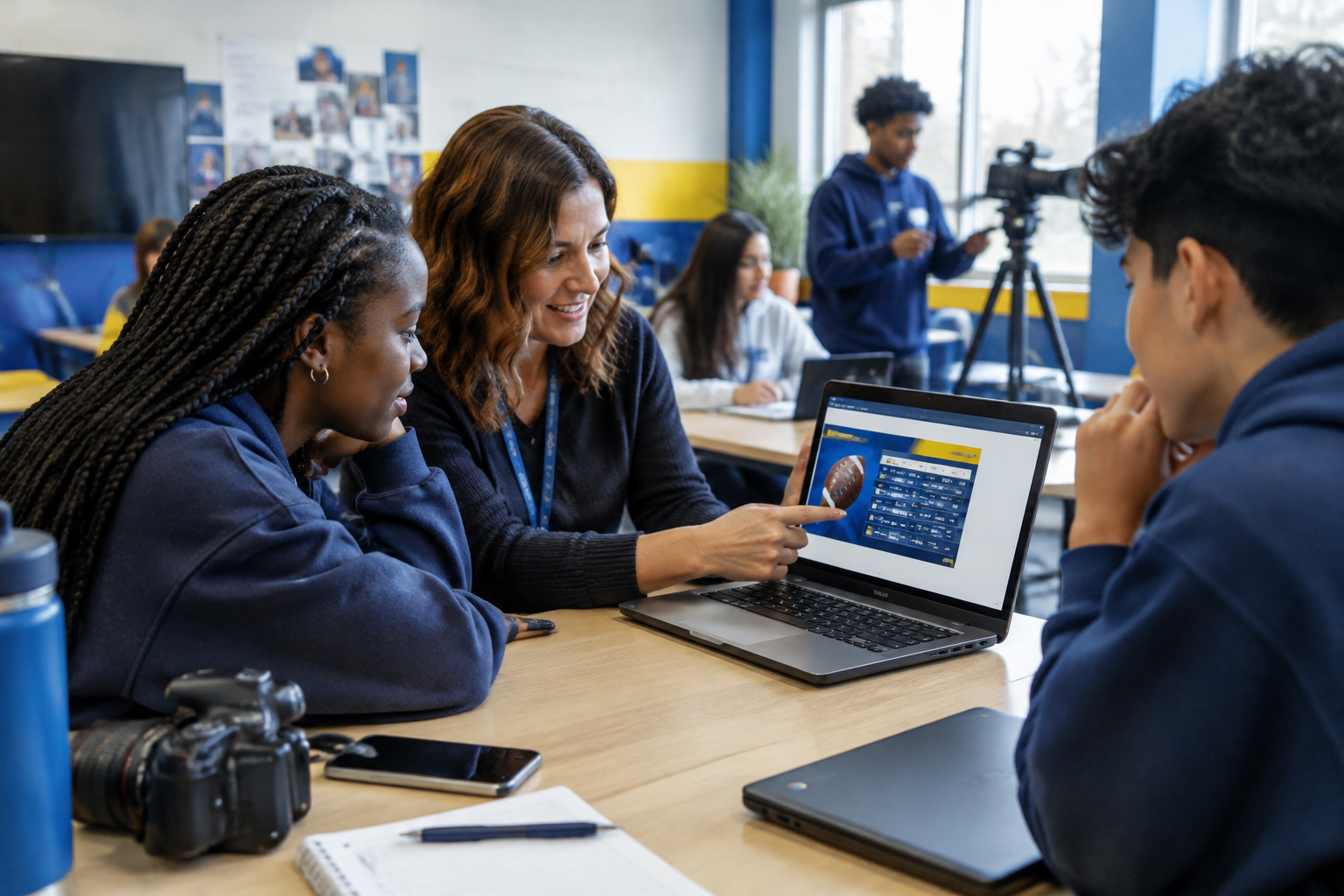
Build a reusable game day content system that helps your school share accurate schedules, celebrate students, and keep communications moving before, during, and after the final whistle.
Game day gives a high school community something to rally around—but the communications work can begin long before the opening whistle. Teams need to confirm details, prepare graphics, coordinate photos, check permissions, and publish updates through the right accounts. When every event starts from a blank page, even a simple schedule post can become a last-minute scramble.
Reusable game day social media templates for high school make the work more predictable. They give communications teams a starting point for routine posts while leaving room for the details that make each team, matchup, and school community distinct. A template is not a substitute for checking facts or respecting student privacy. It is a practical structure for doing those things consistently.
This guide explains how to build a useful game day content system, what to include in each post, and how to adapt templates across sports and channels.
What a high school game day template should do
A strong template helps staff answer three questions quickly: What does the audience need to know? What needs to be verified before publishing? What can be prepared in advance?
A template may be a graphic layout, caption framework, checklist, or combination of all three. For example, a schedule graphic can have fixed spaces for the date, opponent, venue, and start time. A caption framework can prompt the writer to add ticket information or a streaming link when relevant. A checklist can remind the publisher to confirm the event is still on and that any image is approved for use.
Templates work best when they standardize the repeatable parts without making every post sound identical. Keep the school’s visual identity and essential information consistent, then personalize the message for the sport, audience, and moment.
Start with the audience’s immediate questions
Before designing a post, consider what a student, family member, staff member, or community supporter needs to know. Depending on the event, that may include:
- Which teams are playing?
- When does the event begin?
- Where is it being held?
- Are there entry, parking, or ticket instructions to share?
- Is a livestream or other viewing option available?
- Where should people look for schedule changes or results?
Only include details that your school has confirmed and that are useful for the intended audience. If an item does not apply, leave it out rather than filling the space with unnecessary information.
The core game day template set
A reliable system does not require a different design for every post. Start with a small set of flexible formats that cover the most common stages of an event.
1. Schedule announcement
Use this format to tell people about an upcoming game. Make the date, opponent, sport, and location easy to find at a glance. Add the start time and any relevant ticket or viewing information after confirming them with the appropriate school or athletics contact.
Caption framework:
Game day is coming up! [Team] takes on [opponent] on [day, date] at [time] at [venue]. [Add confirmed ticket, entry, or viewing details if applicable.] Check [official school or athletics channel] for updates. Go [team nickname]!
For a multi-game day, consider a single schedule roundup or one post per event. Choose the format that keeps the information readable and helps your audience find the game they care about.
2. Game day reminder
A reminder can be shorter than the original announcement. Repeat the essential details, but avoid assuming that everyone saw an earlier post. Include the event date and venue even when the post goes out on game day; this makes it easier to understand when shared or viewed later.
Caption framework:
Today: [team] vs. [opponent] at [time]. Join us at [venue]. [Add a confirmed logistics note or viewing option.] Follow [official account or channel] for school updates.
3. Schedule change or event update
Changes require especially careful review. Use a format that makes the new information prominent and does not leave the old detail looking current. State what changed, what the confirmed information is now, and where the audience can check for additional updates.
Caption framework:
Schedule update: [event] has been [postponed/rescheduled/moved]. The updated details are [confirmed date, time, and/or location]. Please check [official channel] for further school updates.
Before publishing, confirm the change with the responsible athletics or school contact. If the event details change again, update the post or publish a clear follow-up so people are not left comparing conflicting versions.
4. In-progress update
Live updates can add energy to a school account, but they also demand attention from the person posting. Decide in advance whether your team will share a score, a general check-in, a photo, or no live updates. Follow school policy and any relevant account procedures, and verify details before sharing them.
Caption framework:
[Team] is facing [opponent] at [venue]. Thanks to everyone supporting our student-athletes. Follow [official channel] for school-approved updates.
A school does not need to publish play-by-play to make a post meaningful. A community-focused check-in, approved team photo, or reminder about the final result can be enough.
5. Final score or event recap
A final post can recognize the participants and close the loop for people who followed along. Verify the result before publishing. If you share a student’s name, image, or quote, follow your school’s permissions and review process.
Caption framework:
Final: [team] [score], [opponent] [score]. Thank you to our student-athletes, coaches, staff, and supporters. [Add a brief, approved highlight or next-event detail if appropriate.]
A recap does not have to focus only on the score. It can also recognize teamwork, effort, sportsmanship, or the people who helped make the event possible, as long as the wording is appropriate and approved.
6. Student, team, or community spotlight
A spotlight can help make athletics coverage more personal, but it should be planned with care. Use school-approved photos and information, confirm names and roles, and follow student media-consent safeguards. Avoid sharing unnecessary personal details. If permission status is uncertain, choose another image or format rather than guessing.
Caption framework:
Meet [student or group, if approved]: [brief, school-approved context]. We’re proud to recognize [specific contribution or accomplishment]. Thanks to [team, coach, or community] for being part of [event or season].
Design templates for readability and reuse
The most useful game day design is one people can understand quickly on a phone. Keep the event information prominent and the visual hierarchy simple. Use consistent school colors and typography where appropriate, but make sure decorative elements do not compete with the date, time, opponent, or venue.
Build layouts that can accommodate different sports and different amounts of information. A template that only works for one team or one photo orientation may create more work later. Consider preparing a few related versions: a schedule card, a reminder, a score or result card, and a photo-led post. Keep the core identity consistent across them.
Include a review step for text inside the graphic. Important information should not live only in a caption if people may encounter the image elsewhere. If your school uses accessible communication practices, apply those standards to graphics and accompanying text as well.
A practical workflow: prepare, verify, publish, review
Templates help most when they fit a clear workflow. A simple process can reduce avoidable errors and make responsibilities easier to understand.
Before game day
Gather the schedule and confirm event details with the appropriate contact. Identify which posts are planned, who will prepare them, and who has authority to approve them. Select images or create graphics using school-approved assets. Check whether any student media-consent safeguards apply to the planned content.
Prepare draft captions with placeholders rather than inserting details from memory. For instance, leave `[time]` or `[venue]` visible until someone verifies the final information. This makes missing details easier to spot during review.
On game day
Recheck details before publishing, especially when schedules or locations can change. Use the account and approval process designated by your school. If a student or staff creator is contributing content, make sure their role and review expectations are clear before the event begins.
For live content, agree on a manageable plan. The goal is not to post constantly; it is to share accurate, appropriate information that serves the school community.
After the event
Confirm the result and any names or descriptions in a recap. Save useful creative assets and note which template versions need adjustment. If a question or correction comes in through social channels, route it to the appropriate school contact rather than improvising an answer outside your role.
Common mistakes to avoid
- **Publishing unverified details:** A polished graphic can still mislead if its time, location, or result is wrong. Build verification into the workflow.
- **Making every post a promotional announcement:** Include practical information and community recognition, not just calls to attend.
- **Overloading graphics:** Too many logos, decorative elements, or blocks of text can make the key details difficult to scan.
- **Assuming an old post is still accurate:** If information changes, communicate the update clearly through the channels your school uses.
- **Using a photo without checking permissions:** Follow school media-consent safeguards and use approved materials.
- **Copying the same caption everywhere without review:** Adapt length and details to the channel and audience while keeping core facts consistent.
- **Depending on one person’s memory:** Document who verifies details, who approves content, and who publishes it.
How communication teams can scale the system
For a single school, a shared folder of approved layouts and caption frameworks may be a practical starting point. As more teams, campuses, or contributors become involved, coordination matters more. Establish naming conventions, keep the current versions easy to find, and make ownership clear so staff do not unknowingly publish outdated information.
A browser-first workflow can also be useful when contributors work from different devices, including school-managed Chromebooks. Onward Signal is an AI-powered school social media and communication intelligence platform with a School Brain, a Creative Studio for materials such as captions and social formats, role-based approvals, student and staff creator workflows, and multi-school controls. Its tools are designed to support a school’s content process; school personnel still need to verify event details, apply local policies, and make final communication decisions.
If your team is evaluating tools, ask how a system handles templates, approvals, student media-consent safeguards, account responsibilities, and coordination across schools. The right choice depends on your team’s workflow and requirements. Explore the [Onward Signal resources hub](/resources) for more school communications guidance.
Frequently asked questions
How many game day templates does a high school need?
Start with the formats your team regularly uses: a schedule announcement, a reminder, an update, and a final result or recap. Add a spotlight or other format only when it serves a clear purpose. A small, maintained set is often easier to use than a large collection of overlapping designs.
What should a high school game day post include?
Usually, the event, teams, date, time, and location are the core details. Add confirmed ticket, entry, parking, or viewing information when it is relevant. The exact combination will depend on the event and the school’s communication practices.
Should schools post live scores during games?
That is a school-level decision. Consider staffing, accuracy, approval expectations, and any applicable policies before committing to live updates. Schools can support community engagement with a planned update or recap instead of continuous posting.
How can a school avoid mistakes in sports posts?
Use a verification step with a named source for schedules and results. Keep unconfirmed details as placeholders in drafts, require review where appropriate, and make a clear correction or update if information changes after publication.
Can student creators help with game day content?
Student creators can contribute when the school has established appropriate roles, supervision, approvals, and media-consent safeguards. Make expectations clear, and ensure that an authorized school representative reviews content according to local procedures.
Make game day communications easier to repeat
A useful template system gives your team room to celebrate school spirit without sacrificing accuracy, clarity, or care. Start with the events and posts you handle most often, create a small set of adaptable formats, and assign clear steps for verification and approval. Then review the system after a few events and refine what is not working.
For more practical guidance on school communications and content planning, visit [Onward Signal’s resources hub](/resources).
Turn school communication into a system—not another task list.
Build your School Brain, create governed campaigns and help your team tell the stories already happening every day.