Game Day Social Media Templates for High School: A Practical Guide for School Communication Teams
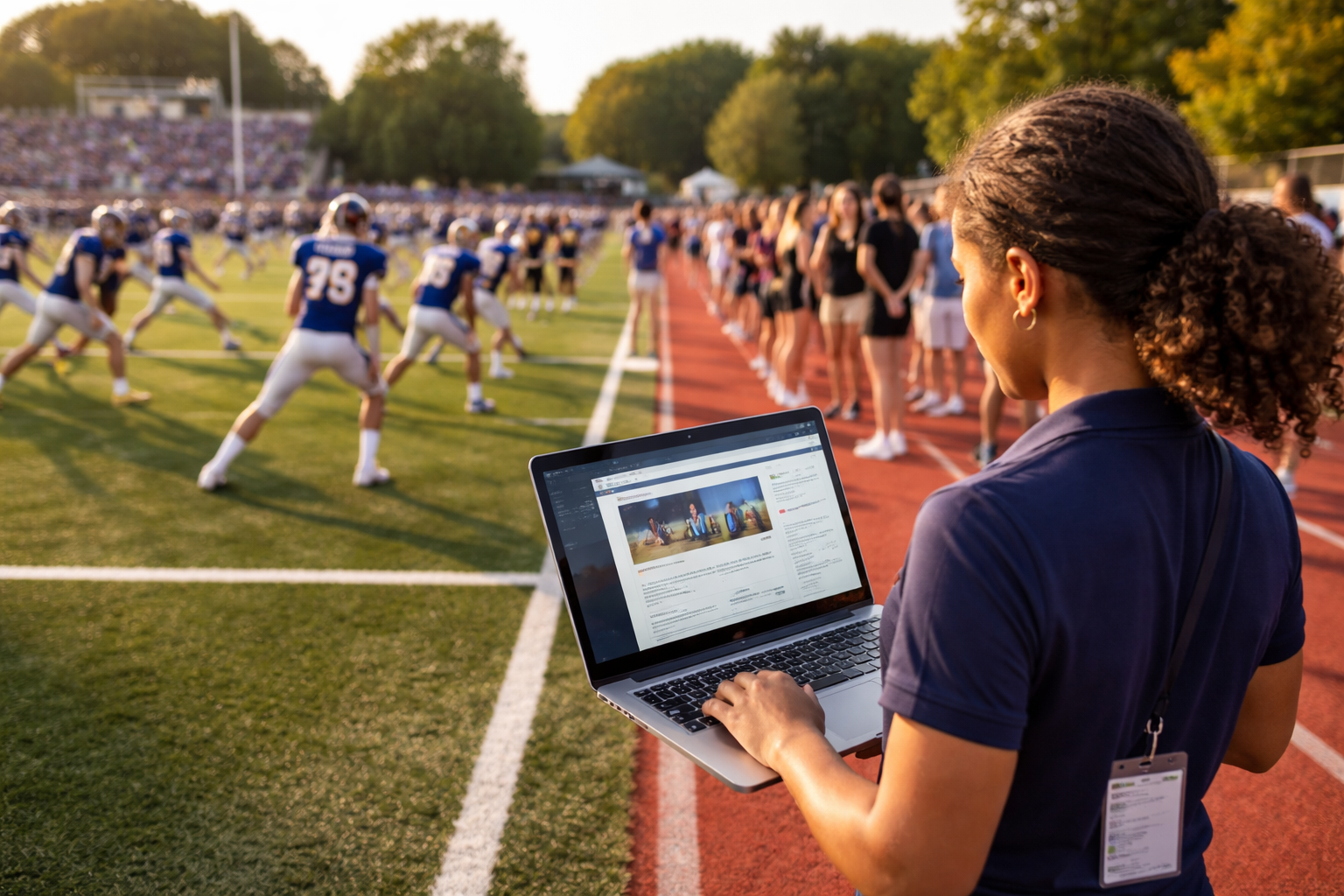
Build a repeatable, school-approved game day social media workflow with templates for schedules, lineup announcements, live updates, final scores and more.
Game days give schools a natural opportunity to bring students, families, alumni and community members together. But sharing the excitement online can take more time than expected: teams need timely details, communications staff need accurate information, and every post must reflect school expectations.
A set of game day social media templates for high school can make that work more manageable. Templates give staff a consistent starting point for announcements, reminders and results without making every post feel identical. They also help a school plan ahead, gather details and route content for review before it reaches a public account.
This guide covers the templates worth preparing, what to include in each, and how to organize a practical approval workflow. Use the examples as adaptable copy—not as a substitute for checking schedules, school policies, image permissions or platform requirements.
What makes a useful high school game day template?
A good template is a repeatable structure with room for the information that changes. It should help a staff member or approved student creator answer basic questions quickly:
- Who is playing, and what sport or level is it?
- When and where is the event?
- Is it home or away?
- Where can families find tickets, streaming details or schedule updates, if available?
- What action should the audience take?
Templates work best when they are easy to adapt and difficult to misread. Keep essential details in a predictable order, use the school’s approved names and visual identity, and leave space for a photo, graphic or short video when appropriate. Avoid filling every available area with copy. On a small screen, a clear matchup and start time are more useful than a long block of promotional text.
Before creating designs, agree on a small set of conventions: how the school writes team names, how it formats dates and times, which account publishes updates, and who verifies event details. These choices reduce last-minute editing and help different contributors produce posts that feel connected.
The essential game day social media templates
Not every school needs a post for every moment. Start with the formats that match your communications capacity and audience needs, then expand when the workflow is reliable.
1. Game announcement
Use this in the days before a game or when a schedule is confirmed. The purpose is to make the event easy to understand and share.
Copy template:
Game day is coming up! [Team] faces [opponent] on [day, date] at [time]. Join us at [venue / address] or find [ticket, broadcast or schedule information] here: [link]. Let’s support [school/team name]!
Include the sport, team level where relevant, date, start time and location. If details are still subject to change, direct people to the school’s schedule page rather than presenting unconfirmed information as final. A short call to action—such as “See the schedule” or “Get event details”—can help audiences find the next step.
2. Game day reminder
A reminder is useful when an event is approaching and families may need to check logistics. Keep it focused on what has changed or what people need to know.
Copy template:
Today: [Team] vs. [opponent] at [time] at [venue]. [Parking, entry or ticket note, if confirmed.] Check [school schedule page or account] for updates.
If the school shares venue or entry guidance, verify it with the appropriate staff member before publishing. Keep the graphic uncluttered: matchup, time and venue are usually the most important elements.
3. Lineup, roster or team introduction
A roster or player feature can recognize participants and help the school tell a broader story about its programs. Share only information the school is authorized to publish, and follow its policies for names, images and media consent.
Copy template:
Meet the [team or group] as they get ready for [event or season]. Thanks to [coach/team, if appropriate] for helping our student-athletes represent [school].
A team introduction does not need to list personal details. If you include individual names, images or other identifying information, check the relevant school process first. Consider whether a group photo or action shot can serve the purpose with fewer details.
4. Live update
Live updates can capture the atmosphere, but they also require someone to monitor accuracy and tone. Decide in advance whether the school will post scores, selected moments or general updates. Avoid promising continuous coverage if staffing does not support it.
Copy template:
Update: [Team] [score or brief verified update]. [Short, school-appropriate note]. Follow [official schedule/account] for additional updates.
Assign a designated source for the score or event update. If contributors are posting from the venue, clarify who checks their submissions and who has authority to publish. For student creators, use the school’s established supervision and approval practices.
5. Final score
A final-score post can celebrate effort and provide a clear result. Confirm that the event is complete and the score is correct before publishing.
Copy template:
Final: [School/team] [score], [opponent] [score]. Thank you to our student-athletes, coaches, supporters and [host school or community, where appropriate] for being part of the game.
A respectful tone matters whether the team wins, loses or ties. Focus on participation, teamwork and the next event rather than criticizing players, officials or opponents. If a result is still being verified, wait or use a less specific closing update.
6. Schedule change or cancellation
A schedule-change graphic should put the change first. Use direct language, a clear date and the best available source for updates.
Copy template:
Schedule update: [Event] planned for [original date/time] has been [postponed/cancelled/moved]. [New date, time or location, if confirmed.] Check [official schedule page] for updates.
Do not guess at a new date or location. If the details are not confirmed, say so plainly and point people to the school’s official information channel. When possible, prepare a change template in advance so staff can update it quickly without improvising a new design under pressure.
7. Post-game appreciation or next event
Close the loop with a thank-you, a highlight or a reminder about what is next. Not every follow-up needs to include a score or a new photo.
Copy template:
Thank you to everyone who supported [team] today. We appreciate the students, staff and families who made the event possible. Next up: [event and date, if confirmed].
This format can help maintain a welcoming voice and keep school sports communication focused on the wider community, not only the result.
Build a template workflow, not just a folder of graphics
A collection of designs is useful only if staff can find and use the right one. Create a simple workflow that connects the template to the information and approval it requires.
Keep a reusable event-details checklist
For each event, gather the same core fields: team, opponent, sport, date, time, venue, event status, approved links, content owner and verification contact. Add fields such as ticket information or broadcast details only when the school has confirmed them. A shared checklist helps prevent avoidable errors and reduces repeated messages between athletics and communications staff.
Define who creates, checks and publishes
Name the roles involved. A coach, athletic director or designated staff member may confirm event details; a communications team member may edit and publish; and approved student creators may contribute photos or draft content under the school’s process. The exact arrangement will differ by school, but responsibility should be clear before game day.
Build in time for review. For routine posts, a defined approval path can help work move quickly. For unusual circumstances—such as a schedule change, sensitive incident or uncertain information—staff should know when to pause and seek additional review.
Prepare variations for different channels
A template should fit the intended placement. A square graphic, vertical Story, short-form video and text-first post may need different wording or layout. Make the core facts consistent, then adapt the presentation. Do not assume that one image or caption will work equally well in every format.
Use descriptive text or captions where appropriate, maintain readable contrast and avoid relying on color alone to communicate a result or status. When an image carries important information, include that information in the caption too. These practices make posts easier to understand across different viewing contexts.
Set guardrails for photos and student content
School events may include students and other identifiable people. Before publishing, follow the school’s current media-consent safeguards and internal rules for handling images and student-created content. Establish a way for creators to flag a photo or draft for review, and avoid sharing personal or sensitive details unless the school has approved them for publication.
Guardrails should be practical and visible. A short checklist can remind contributors to confirm the event, use approved accounts, check image permissions and route drafts to the right reviewer. These steps support a safer process; they do not replace school policy or staff judgment.
How to make school sports posts feel consistent without becoming repetitive
Consistency comes from recognizable elements, not identical captions. Use approved school colors, logos, naming conventions and tone, while varying the message to suit the moment. A reminder should prioritize logistics; a final-score post can recognize the team; a student feature can tell a more personal program story within the school’s rules.
Create a small library of caption openings and closing lines, but edit them to fit each event. Review older templates periodically so outdated links, team names or design elements do not remain in circulation. Keep a clear version or owner for shared assets, especially when multiple schools or campuses use related materials.
A practical starting set might include one announcement graphic, one reminder, one schedule-change design, one final-score layout and a handful of caption structures. Expand the library based on actual needs—not simply because more variations are possible.
Measuring whether your templates are helping
A template system is intended to make communication more organized and repeatable. Review it against operational questions as well as audience response:
- Are staff finding the correct template without searching through old files?
- Are event details being confirmed before publication?
- Do approvals happen with enough time for a useful review?
- Are families able to find the schedule, location or update they need?
- Which formats are manageable for the team to produce consistently?
Use the analytics available to your school’s accounts and tools to understand how posts perform, while treating individual engagement results as context rather than a complete measure of school communication quality. Pair performance review with feedback from staff and families. A post that answers a practical question may be valuable even if it is not the most widely shared item.
When a school communication platform can help
For a team managing several sports, contributors or schools, a browser-first platform can make templates and review steps easier to organize. Onward Signal is an AI-powered school social media and communication intelligence product designed by educators for educators. Its capabilities include a School Brain, student and staff creator workflows, a Creative Studio for school content such as captions, flyers, newsletters, blogs, Reels and Stories, role-based approvals, student media-consent safeguards, multi-school controls, automation, publishing architecture, a social inbox and analytics that include enrollment attribution. Browser-based workflows are designed to work with Chromebook-friendly environments.
Those features may be relevant if your team wants to centralize templates, coordinate creators or structure approvals. The right setup depends on your school’s policies, staffing and communication needs. Explore the [Onward Signal resource hub](/resources) for more school communication guidance and information to help evaluate your next steps.
FAQ: High school game day social media templates
What should a high school include in a game day post?
At minimum, include the team, opponent, date, start time and location when confirmed. Add a relevant link or practical event detail if it is available and verified. Make the key information easy to find at a glance.
How far in advance should a school post a game announcement?
There is no single schedule that works for every school. Publish once the event details are confirmed and early enough for your audience to plan. If details change, share an update through the school’s established channels and direct people to the official schedule source.
Can students create game day content?
Students can contribute when the school has an appropriate workflow, supervision and approval process. Clarify what they may create, who reviews submissions and how photo permissions and account access are handled. Follow school policy for each situation.
What if the game time or location changes?
Use a schedule-change template, verify the update with an authorized source, and state what changed. If a replacement time or venue is not confirmed, say that it is pending and point audiences to the official source for further information.
How many templates does a school need?
Start with a small set that covers recurring needs: announcement, reminder, schedule change, live update and final score. Add formats or variations when staff can identify a clear use for them and maintain them reliably.
Make game day communication easier to repeat
A practical template system combines clear designs, verified details, accessible messaging and a known review process. Start with a few high-use formats, confirm who owns each step and improve the library as your school learns what works for its community.
For more guidance on school communication planning and tools, visit the [Onward Signal resource hub](/resources).
Turn school communication into a system—not another task list.
Build your School Brain, create governed campaigns and help your team tell the stories already happening every day.